What does flattening a PDF form do?
Learn how fixed page content differs from interactive fields and which version to keep for future edits.
By PDF Bop ·
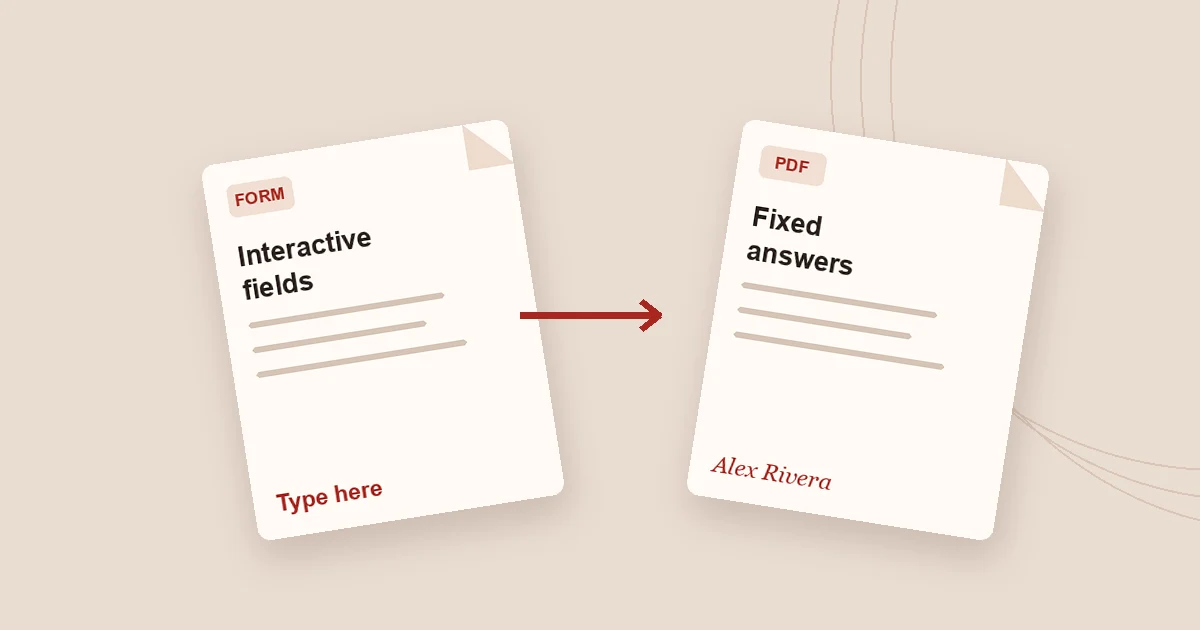
Flattening PDF form fields keeps the visible answers as part of the page and removes the interactive fields that held them. An already flat form can look identical on screen, but its blank lines were printed into the page to begin with.
Which copy do you need?
Keep a fillable master when you plan to reuse the form or revise answers later. If a recipient specifically asks for a fixed copy, keep that as a separate export and verify it opens with the answers in place. Flattening fields and placing text over a scan are different operations, even if both end up looking like ink on a page.
Why page operations can change the fields
PDF Bop’s page organizer flattens existing interactive fields when it needs to copy pages into a new document, for example when merging separate sources or extracting a subset. If your recipient needs still-editable form fields after combining files, keep each fillable source and verify the output before sending it.
Flattening fields does not remove or hide sensitive answers. For any final version, reopen it and read the answers as they appear on the page.