A checklist for a PDF you’re about to send
Check the selected pages, readability, and file size before attaching a PDF or submitting a form.
By PDF Bop ·
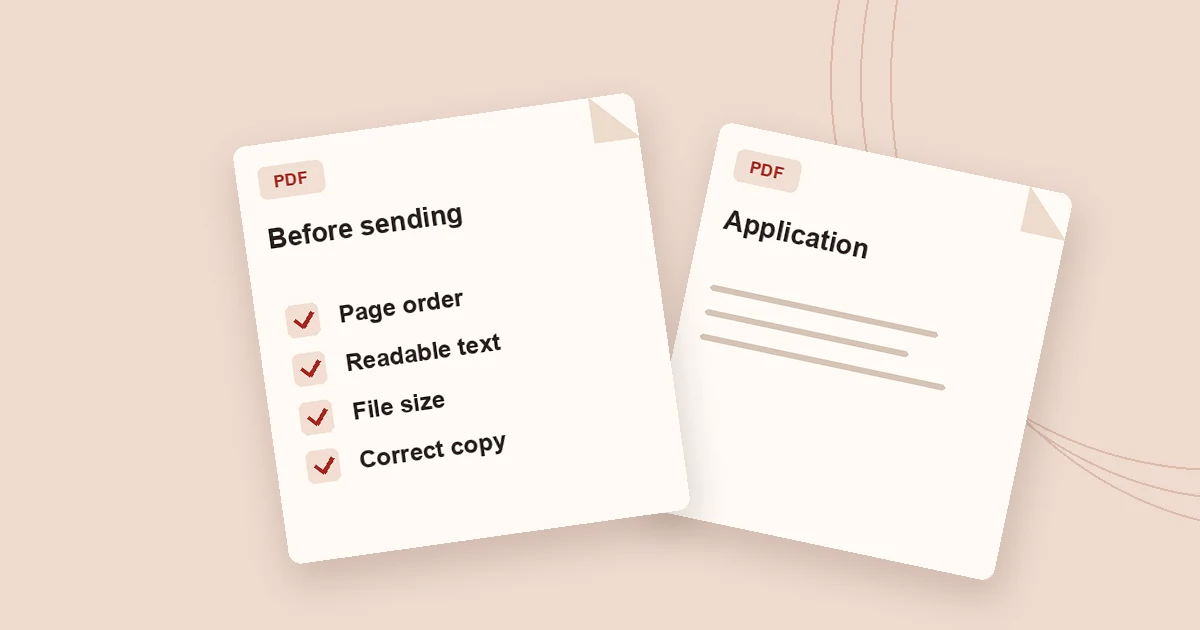
Check the file you plan to attach, even if the document looked correct while you were working on it. A repeatable check is especially useful with forms, application packets, scanned receipts, and signed documents.
Open the exported copy
- Page count and order. Confirm the first and last pages and look at each change from one attachment to the next. Use Merge PDFs to correct the order if needed.
- Readability. Zoom in on small print. Check that rotated scans are upright and that entered text fits.
- Answers and marks. Confirm required values, dates, checkmarks, and signatures survived the export.
- File size and format. Check the exact attachment you intend to send against the limit and allowed file type shown by the recipient.
- Filename. Use an unambiguous name and select that copy in the file picker.
Keep both the checked output and your source files until the recipient confirms the submission. If they require separate attachments, make one verified output for each slot rather than bundling everything into a single PDF.