Free PDF tools
Edit, sign, organize, and convert PDFs in your browser. Download your result for free.
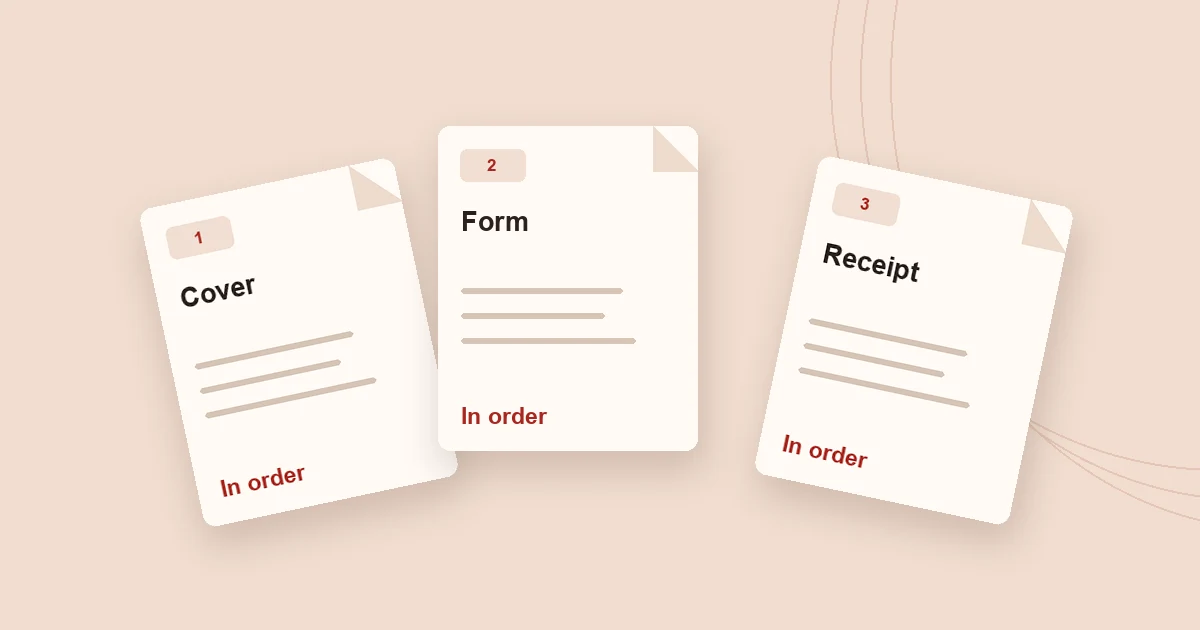
Choose a free tool
Edit & sign
- Add textPlace text anywhere on a PDF, adjust its position and size, and download your updated document.
- Fill a formFill existing fields or add text and checkmarks to a flat form or scan.
- Sign a PDFDraw, type, or import your own signature and place it on the page.
- Add an imagePlace a picture, logo, or stamp in a PDF and adjust its size on the page.
Organize pages
- Merge PDFsCombine multiple PDFs and arrange their pages before downloading one PDF.
- Split a PDFSave page ranges as separate files or split a PDF into one file per page.
- Extract pagesSelect the pages you need and download them as a new PDF.
- Delete pagesRemove selected pages and download the remaining pages as a PDF.
- Rotate pagesTurn selected pages upright and save the corrected PDF.
Convert & compress
No matching tools.
Before you choose a file
- File and page limits
- Most free PDF workspaces accept up to 10 MB total and 50 pages. For photos, use JPG or PNG. Compress a PDF accepts one file at a time.
- Files stay in your browser
- Your PDF or photos are processed on your device. Download a copy before closing the editor.
- Need a bigger workflow?
- Explore advanced previews for editing existing content, preparing a submission packet, or filling certificates in bulk.