Free PDF editing and signing tools
Add text, complete a form, sign a PDF, or place a photo or stamp in your browser.
Choose a free tool
Edit & sign
- Add textPlace text anywhere on a PDF, adjust its position and size, and download your updated document.
- Fill a formFill existing fields or add text and checkmarks to a flat form or scan.
- Sign a PDFDraw, type, or import your own signature and place it on the page.
- Add an imagePlace a picture, logo, or stamp in a PDF and adjust its size on the page.
No matching tools.
Which tool fits your file?
- Fill a form with working fields
- Use Fill a form and enter answers in the fields beside the page. For a scan or a flat form, place text and checkmarks on the page instead.
- Add something to the page
- Add text and Add an image place new content on the PDF. For a typo in existing text, check whether the original-content preview supports that file.
- Return a signed copy
- Type, draw, or import your signature and place it on the correct line. Check what kind of signature the recipient accepts before sending.
See how it works
 How to fill out a PDF form on your phoneOpen a form from Files, type into fields or place text on a scan, and save a filled copy from your phone.
- How to sign a PDF on iPhoneType or draw your signature in Safari, put it on the signature line, and save the PDF to share.
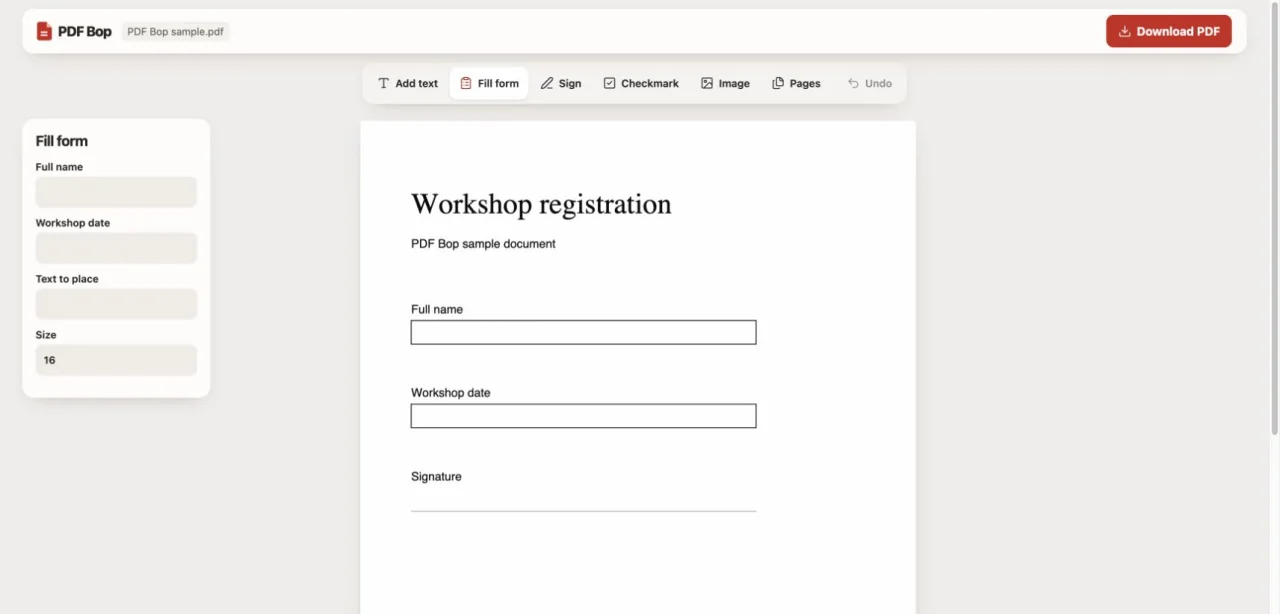 How to fill a flat PDF form or scanRecognize a flat form, place answers over blank lines, and use checkmarks where the original fields cannot be typed into.